

For marketers
Consent rules your analytics can work with
Opt-in where the law asks for it, opt-out where it allows it, and a notice where that is the rule. Google Consent Mode v2 means Google can still model conversions after a visitor declines.
- No card to start
- One script tag to go live
- No sales call
Rules by market
A sample of the 16 laws
| Market | Law | Consent |
|---|---|---|
| EU and UK | GDPR | Opt-in |
| California | CCPA and CPRA | Opt-out |
| Brazil | LGPD | Opt-in |
| Virginia | VCDPA | Opt-out |
| India | DPDP Act | Opt-in |
| Singapore | PDPA | Notice |
What gets in the way
Data lost on every decline
Tags blocked after a decline report nothing from that visit.
Different rules per market
EU visitors opt in, Californians opt out. One banner has to do both.
Dark patterns in the banner
Pre-ticked boxes and a hidden Reject button are a liability.
Cookie blocking and Google Consent Mode
- Where opt-in applies, non-Google tags stay blocked until the visitor gives consent.
- Sends the four Google Consent Mode v2 signals from the visitor’s choice.
- When a visitor declines, Google’s tags stay loaded but switch to cookieless pings, so Google can still model conversions.
Google Consent Mode v2
The signals sent after each choice
| Signal | Accept all | Reject all |
|---|---|---|
ad_storage | granted | denied |
analytics_storage | granted | denied |
ad_user_data | granted | denied |
ad_personalization | granted | denied |
As easy to refuse as to accept
- Reject all sits beside Accept all, at the same size.
- A switch for each category: necessary, preferences (functional), analytics and marketing.
- No optional category is switched on until the visitor turns it on.
- Each category says in plain words what it is for.
- Visitors can reopen their preferences at any time and change their choice.
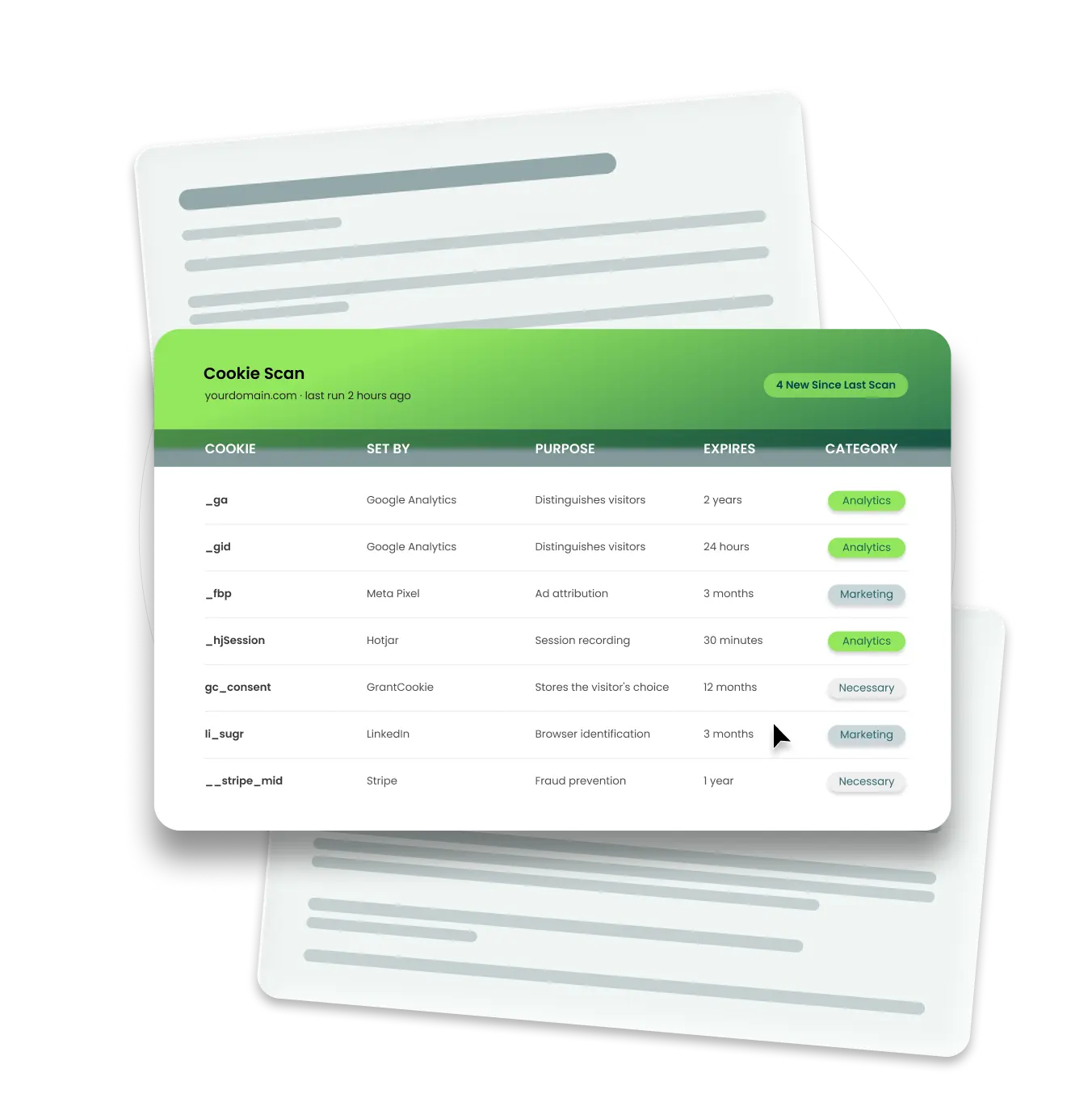
Automatic cookie scanning
- Crawls your site and lists every cookie, tracker and pixel it finds, sorted into categories.
- Names the third parties that set them.
- Scans again on a schedule: monthly on Pro and weekly on Ultimate. On Free and Basic, scans run when you start them.
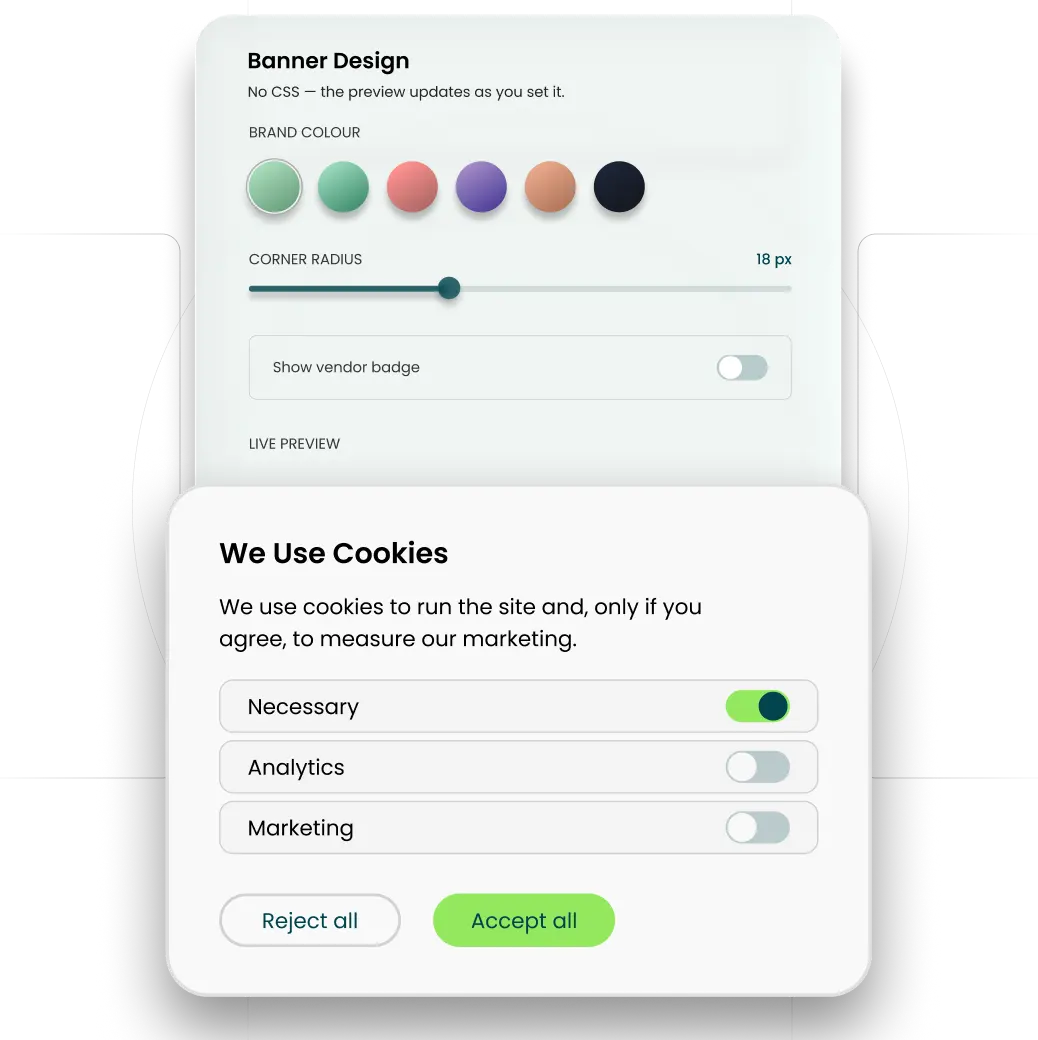
Designed to match your brand
- Pick a layout, then set the colours, fonts, copy, button shapes and corner radius.
- No CSS to write.
- Standard customisation on Free. Advanced customisation on Basic, Pro and Ultimate.
- Ultimate removes the GrantCookie mark, so the banner carries only your brand.