Cookie consent banner
A consent banner in your colours
Reject all is one click and the same size as Accept all. Design the banner without CSS, show it in the visitor’s language, and let the rule for each market decide what runs before a choice.
- No card to start
- One script tag to go live
- No sales call
Designed to match your brand
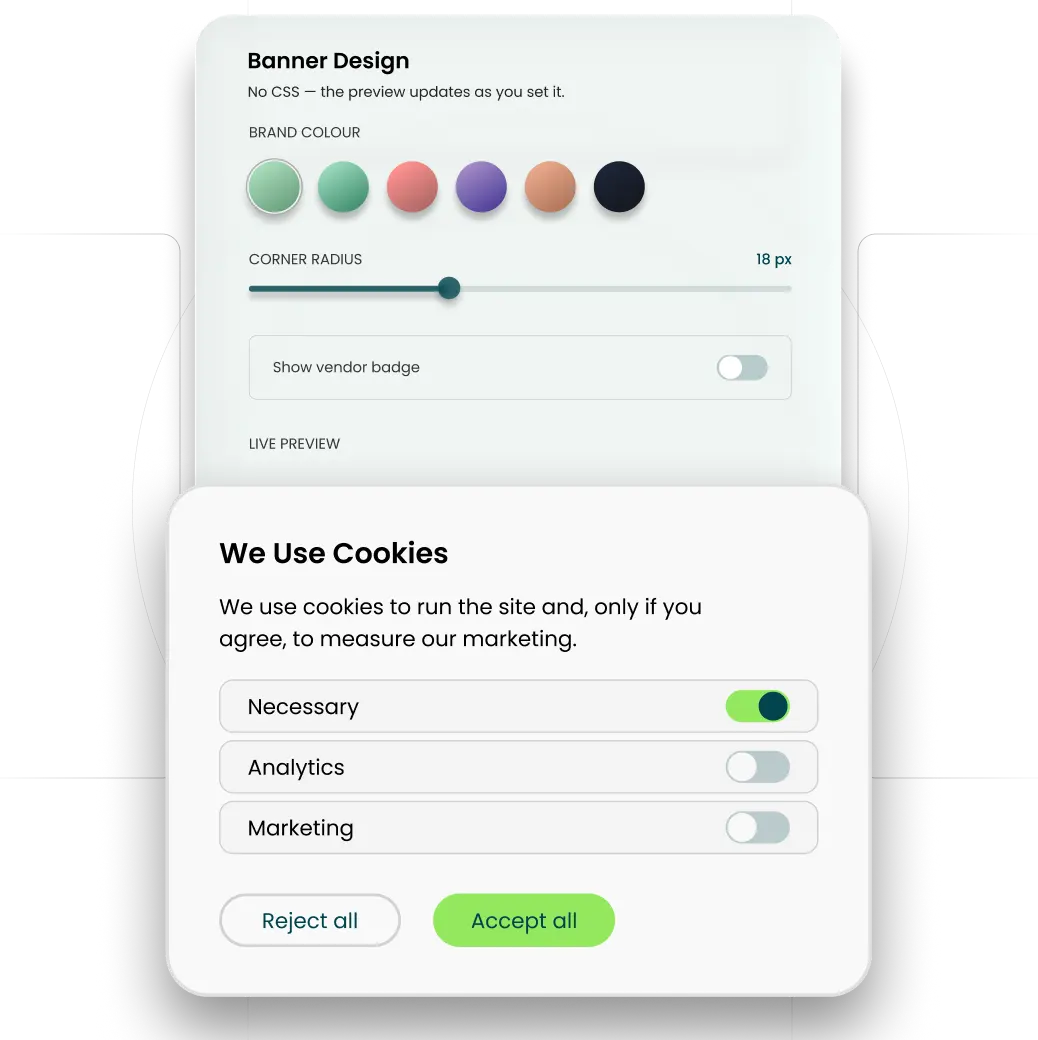
- Pick a layout, then set the colours, fonts, copy, button shapes and corner radius.
- No CSS to write.
- Standard customisation on Free. Advanced customisation on Basic, Pro and Ultimate.
- Ultimate removes the GrantCookie mark, so the banner carries only your brand.
As easy to refuse as to accept
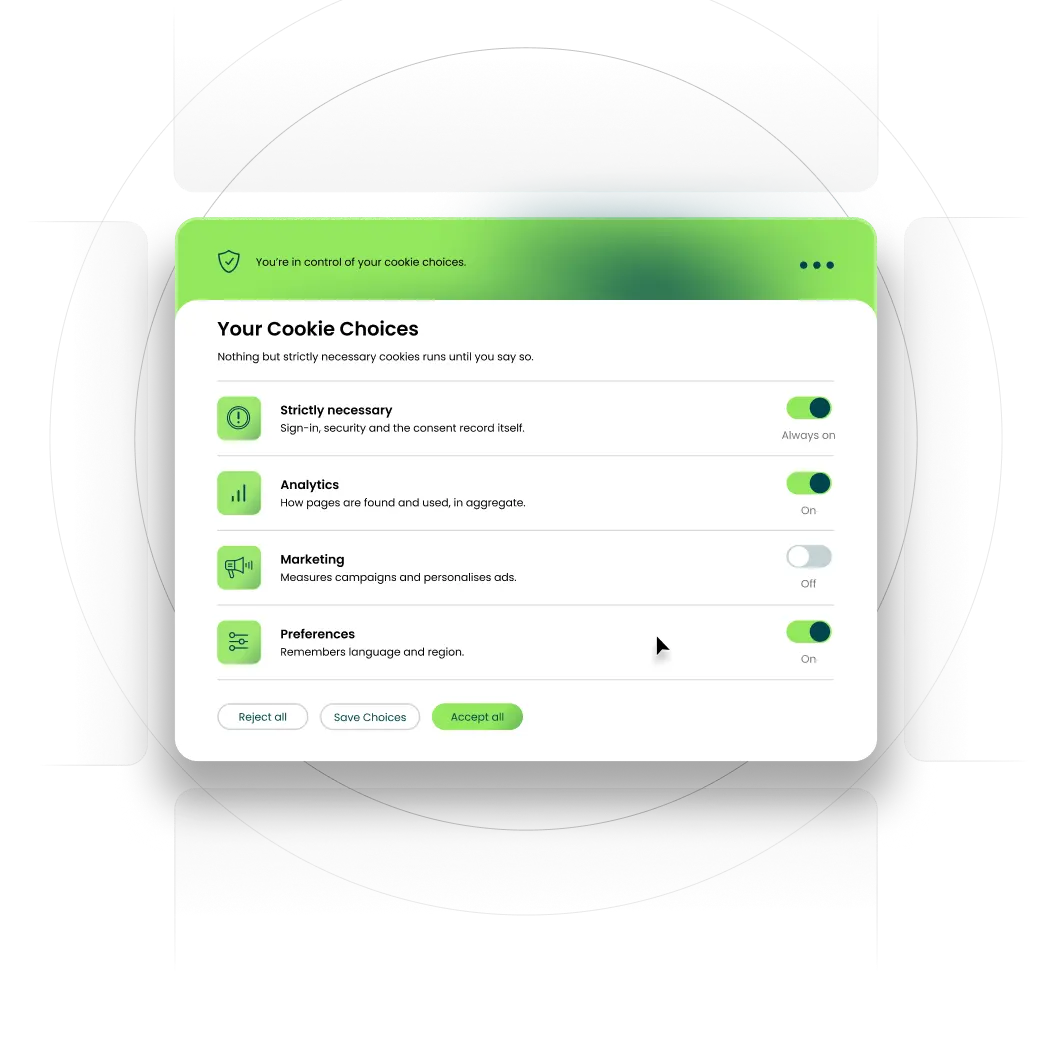
- Reject all sits beside Accept all, at the same size.
- A switch for each category: necessary, preferences (functional), analytics and marketing.
- No optional category is switched on until the visitor turns it on.
- Each category says in plain words what it is for.
- Visitors can reopen their preferences at any time and change their choice.
The consent rule for each market
- Select the privacy laws that apply to you, from the 16 the banner covers.
- Where opt-in applies, as under the GDPR, non-essential cookies wait until the visitor chooses.
- Where a US opt-out law applies, cookies can run until the visitor opts out, and a “Do Not Sell or Share My Personal Information” link appears on every page.
- Where the law works on notice, as in Singapore, the banner gives the notice and records the choice. Australia’s Privacy Act has no cookie-consent rule as such: the banner gives the notice and keeps a record where a cookie can identify someone.
- GDPR and CCPA templates come with every plan.
What the banner does
By consent model
| Model | What the banner does |
|---|---|
| Opt-in | Blocks non-essential cookies until the visitor chooses, with Reject all beside Accept all. |
| Opt-out | Lets cookies run until the visitor opts out, with a “Do Not Sell or Share My Personal Information” link and a preference centre. |
| Notice | Gives the notice and records the choice; in Australia, where a cookie can identify someone. |
In your words, in the visitor’s language
- Shows in the visitor’s language.
- Every label on the banner can be changed, so it uses your own wording.
- For a language we do not ship, write its labels yourself.
Banner text
An example: every label can be changed
| Label | Text |
|---|---|
| Title | We Use Cookies |
| Message | We use cookies to run the site and, only if you agree, to measure our marketing. |
| Accept button | Accept all |
| Reject button | Reject all |
| Save button | Save Choices |
What happens after a choice
- Each choice is stored with the time in UTC, a consent ID and the categories allowed.
- The record keeps the banner version the visitor saw, so it shows the question as well as the answer.
- Where opt-in applies, non-Google tags stay blocked until the visitor gives consent.
- The banner sends the four Google Consent Mode v2 signals. When a visitor declines, Google’s tags stay loaded but switch to cookieless pings.
- Every plan lets you export the log.
Consent record
An example of one choice
| Field | Value |
|---|---|
| Time (UTC) | 2026-08-20 09:08:47 |
| Consent ID | c_44e0d5b2 |
| Choice | Partial |
| Categories | Analytics |
| Banner version | v4.2 |
Live with one script tag
- Create your account: sign up free, no card required.
- Configure the banner: pick a layout, set your colours and choose which regulations apply.
- Add one script tag to the head of your site, before your analytics tags, and the banner is live.
- It loads asynchronously, so it does not block your page from rendering.
Install
Paste into the head of your site
<script
  src="https://cdn.grantcookie.com/gc.js"
  data-site="YOUR_SITE_ID"
  async></script>
Works with